

One click, one Undo.
Every ARQO action is a single step in SketchUp's history. Try it, look, take it back. Nothing half-done is ever left behind.
ARQO for SketchUp
Forty tools for SketchUp, built on one rule: every action is one Undo, your shared components stay safe, and the tool tells you what it did.
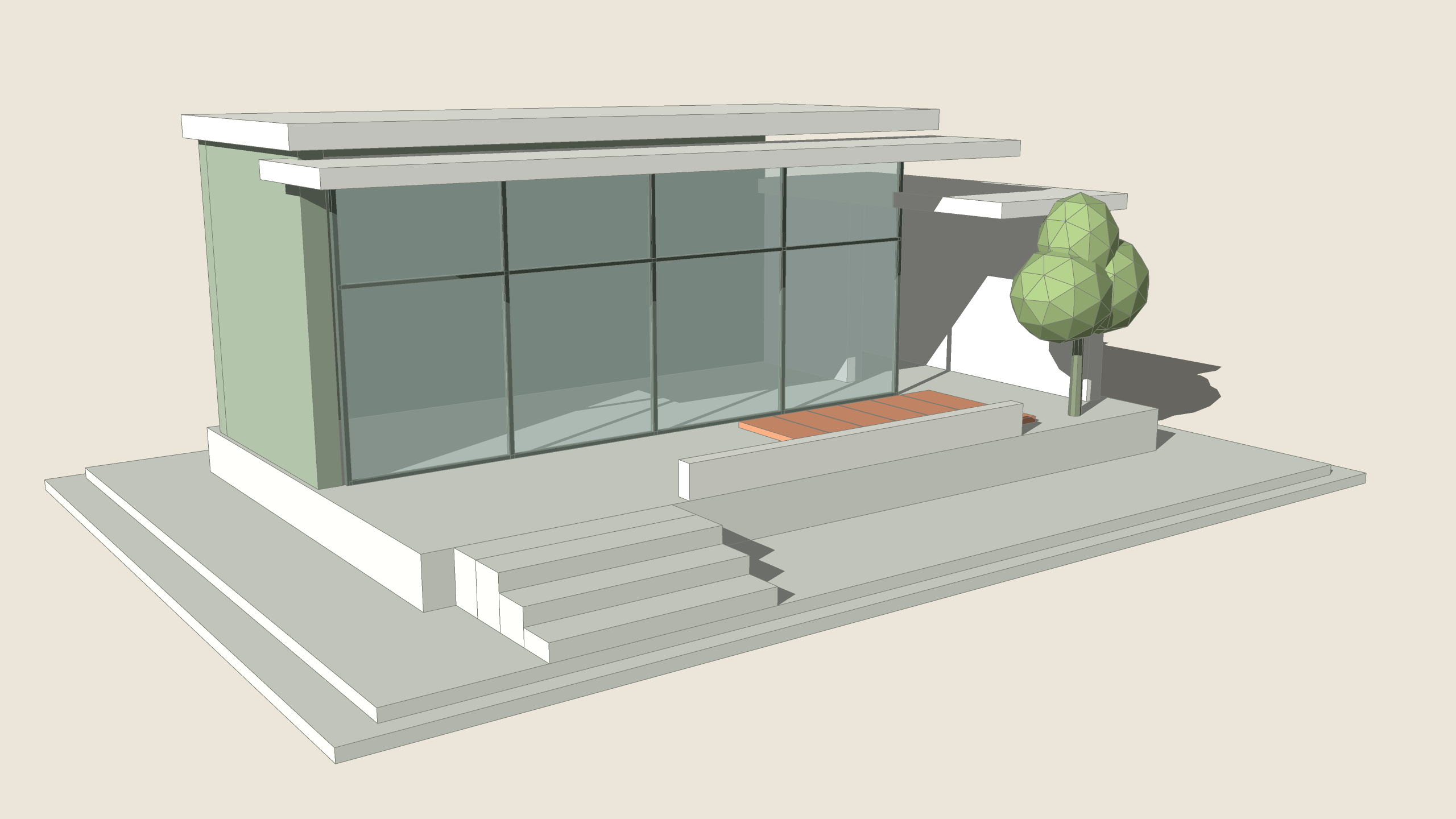
A real SketchUp view. Hover the ARQO toolbar and the ARQO Special toolbar (ARQOPush's twelve modes); click a tool to see what it does.
Why ARQO
Every ARQO action is a single step in SketchUp's history. Try it, look, take it back. Nothing half-done is ever left behind.
Change one copy of a shared component and ARQO asks first: only this one, or all of them. It never edits copies you did not pick.
Every tool reports the result in plain words: what changed, what was left alone and why. If something can't be done, it says so and changes nothing.
One tool, one number
Click the wall's top with ARQOPush and type 700. The push follows your mouse until you set it; Enter makes it real. One step in your history, one Undo away.
How ARQOPush works →


The flagship
Twelve modes on its own toolbar, all working: push one face or many at once, push along X, Y or Z, repeat with one click, push joined and curved surfaces in one piece, thicken them evenly, push up to a face or an object, taper, offset and push, copy and push, or push both ways. It even pushes a face inside a closed group without opening it.
The library
Buy the tools you need one by one, or take the whole set.
Pricing
Only what your work needs. Every tool works on its own and joins the same toolbar.
All forty tools, ARQOPush's twelve modes and every new tool, with every update while ARQO grows.
Prices are set at launch. Leave your e-mail and you will hear first.
Get early access