Tools · Draw & shape

Mesh Studio

Select a group, a component or faces and run Mesh Studio: smooth the mesh by Catmull–Clark subdivision (1–3 times, its edges softened, a surface's open edges kept), or panel it — each face a frame round a glass pane (width and depth in cm), a diamond with its corner triangles, or triangles from its centre, in two finishes. The result is a new group in the same place; the original is hidden to compare. One Undo.
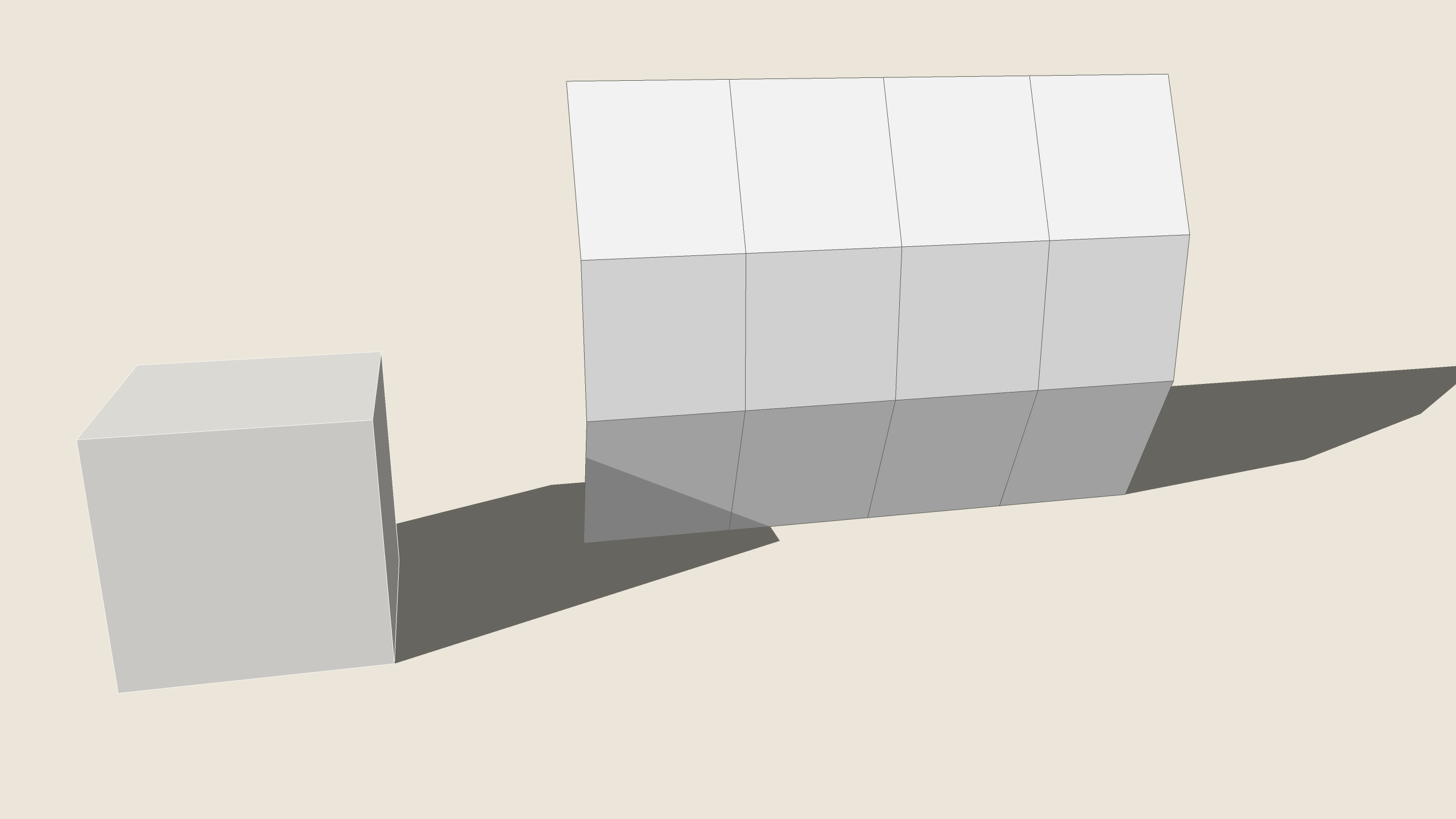
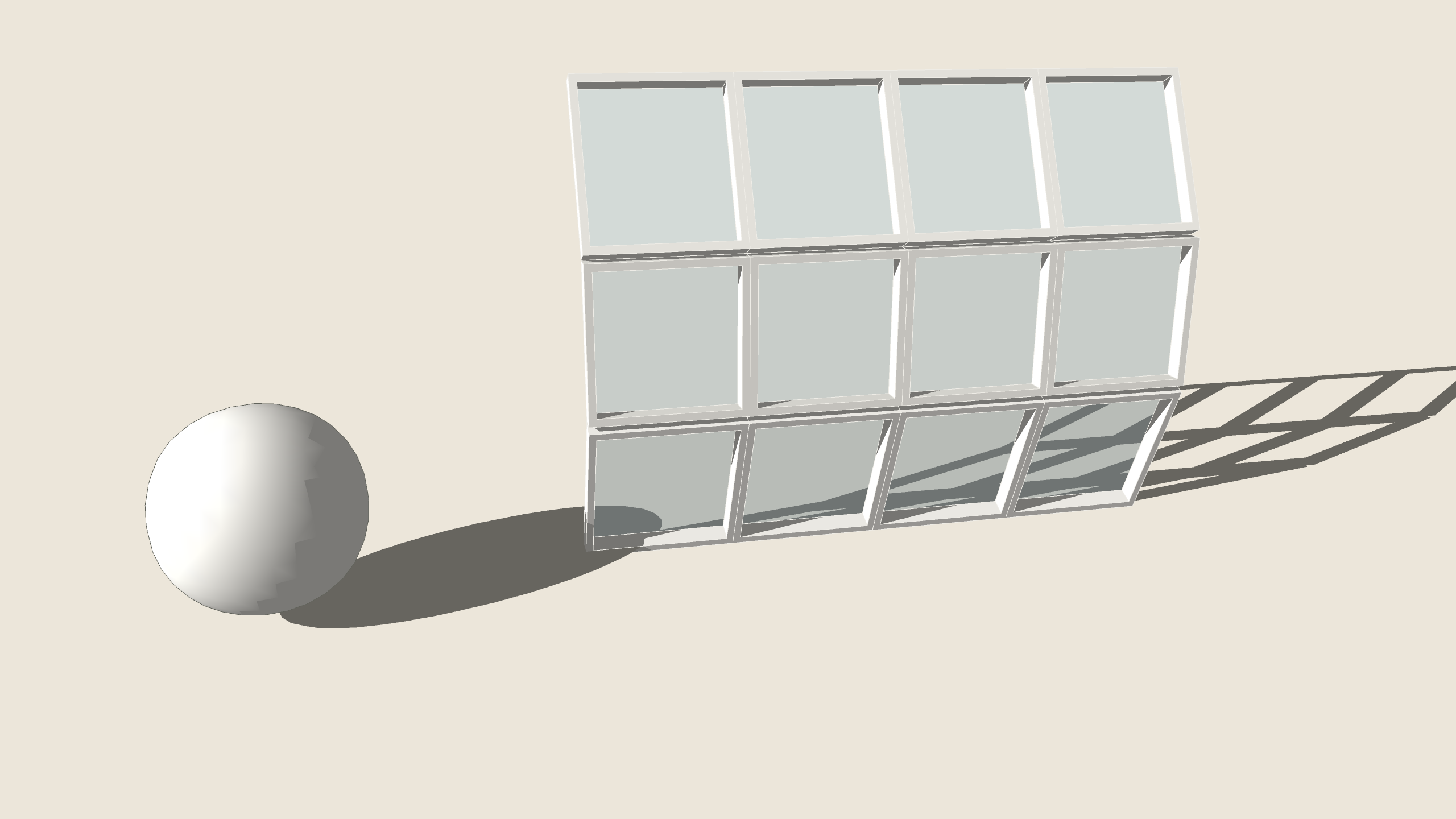
A box and a bent façade grid.Mesh Studio: the box smoothed, the façade framed in glass.BeforeAfter
A box and a bent façade grid.
1 A box and a bent façade grid.
Mesh Studio: the box smoothed, the façade framed in glass.
2 Mesh Studio: the box smoothed, the façade framed in glass.

How to use it

  1. Select a group, a component or faces.
  2. Click Mesh Studio (toolbar, or Extensions › ARQO for SketchUp).
  3. In the box: the operation, the smoothing steps, a frame's width and depth in cm.
  4. Confirm: the result is a new group in the same place; the original is hidden.
  5. Unhide the original to compare; one Undo takes it all back.

Good to know

  • Smooth works on quads and triangles; each step makes four times the faces (up to 20,000).
  • A surface's open edges stay where they are; its corners are fixed.
  • Frames suit a façade's panels: each face a frame round a glass pane.

Always

  • One Undo takes the whole action back.
  • Shared components: you choose this copy or all copies.
  • The result is told in plain words; a refusal changes nothing.

